Version 3.6.0.0 — Release Notes
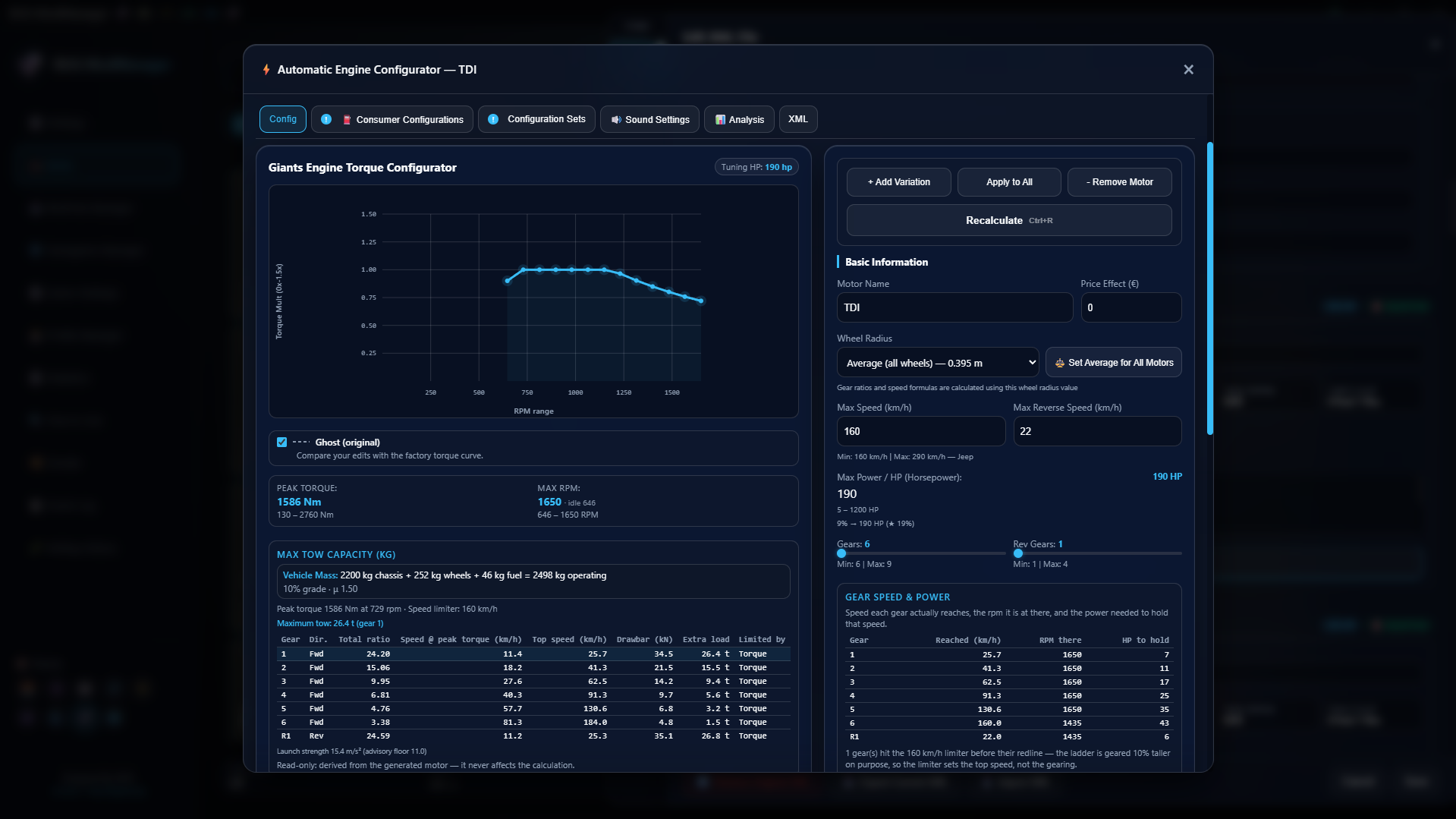
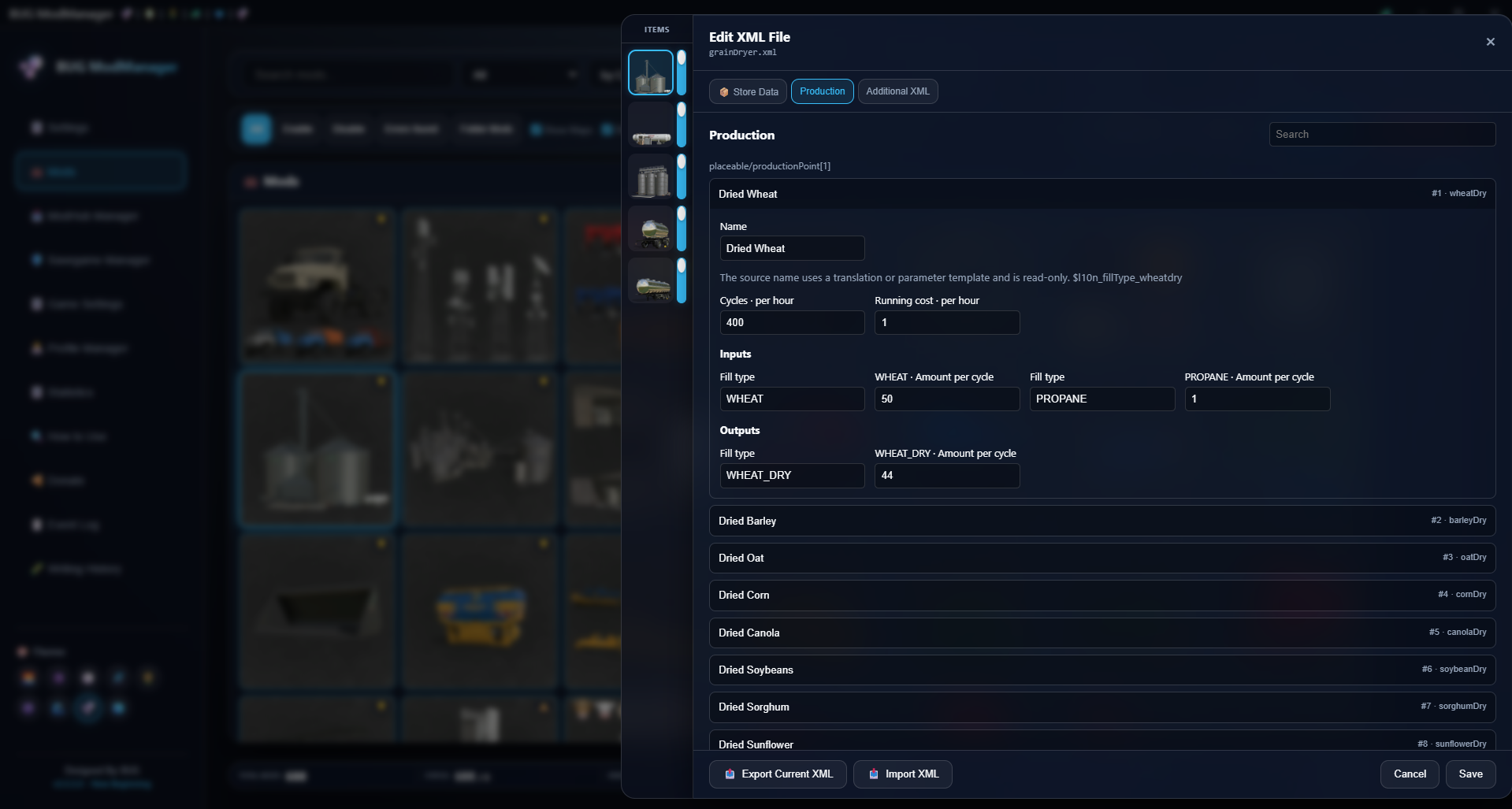
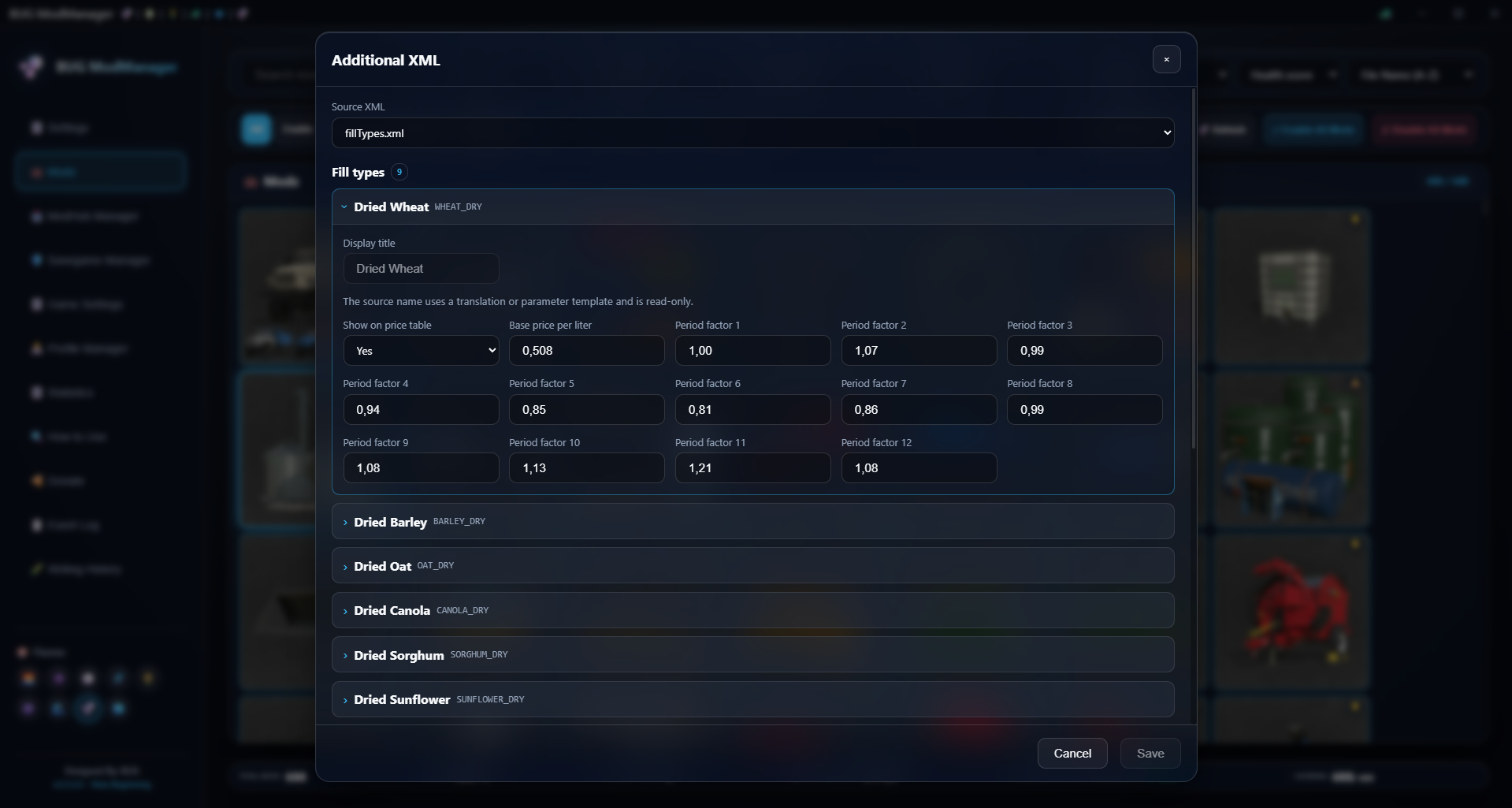
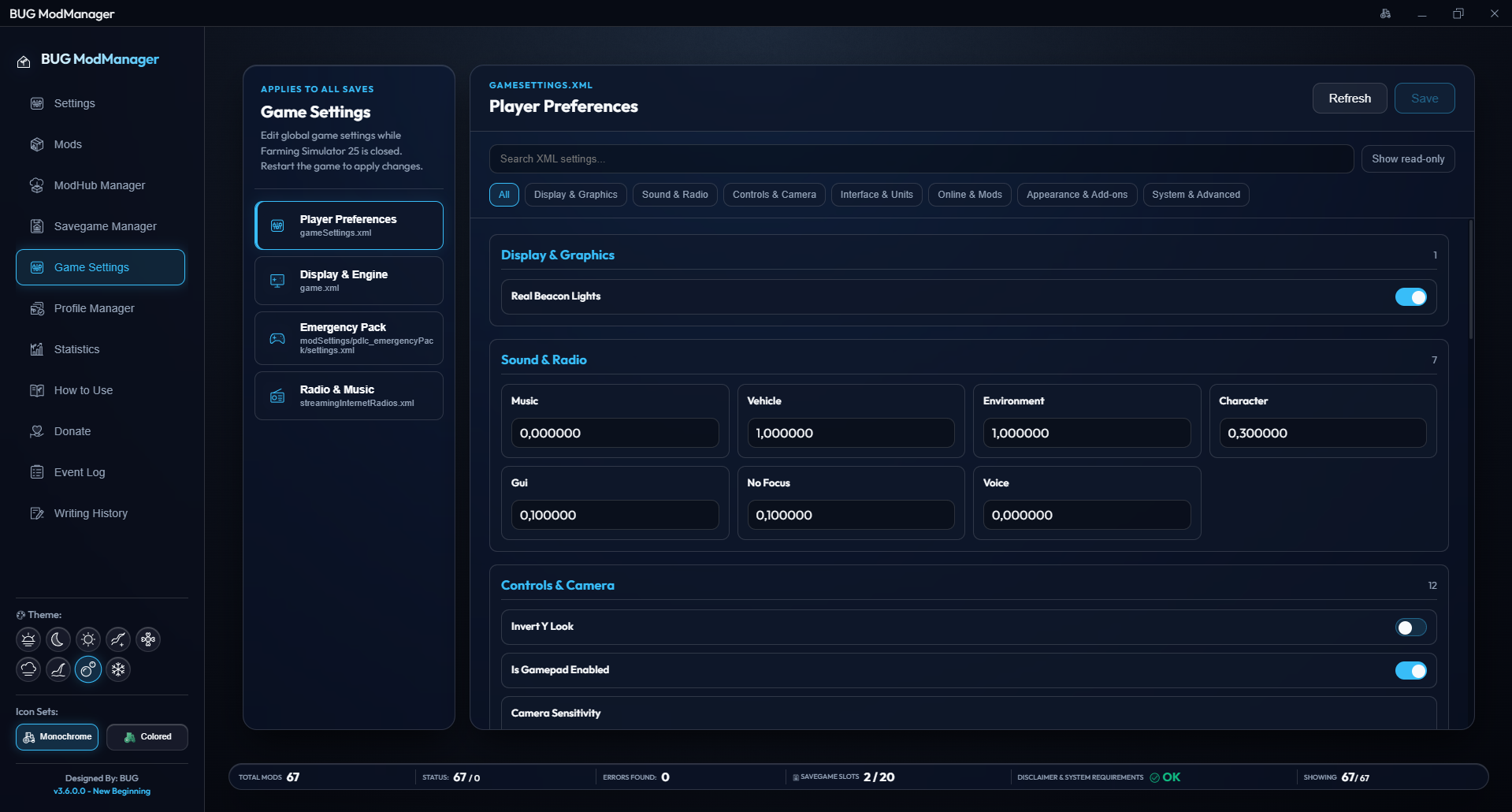



Version 3.6.0.0 — Release Notes
[General]
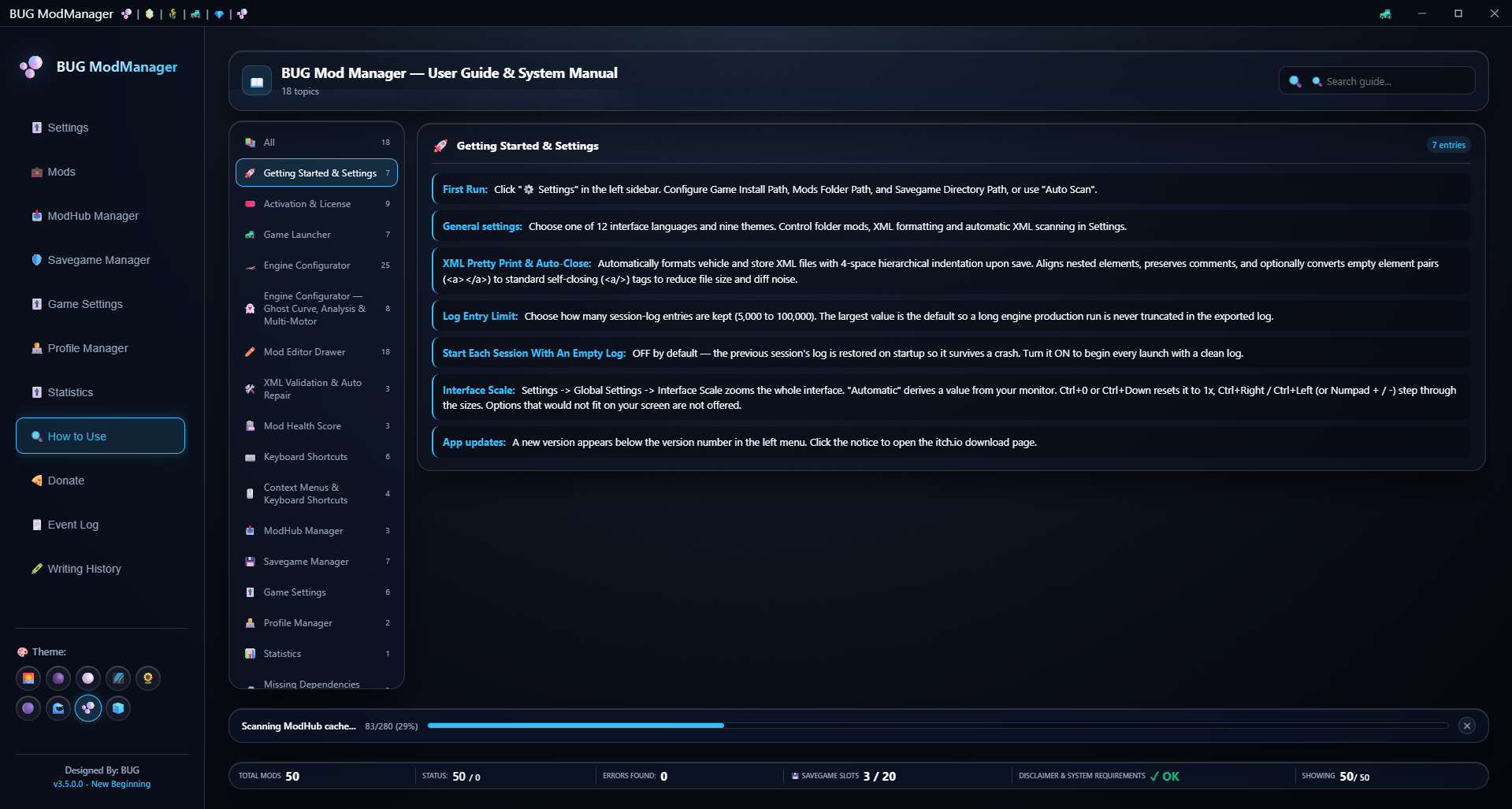
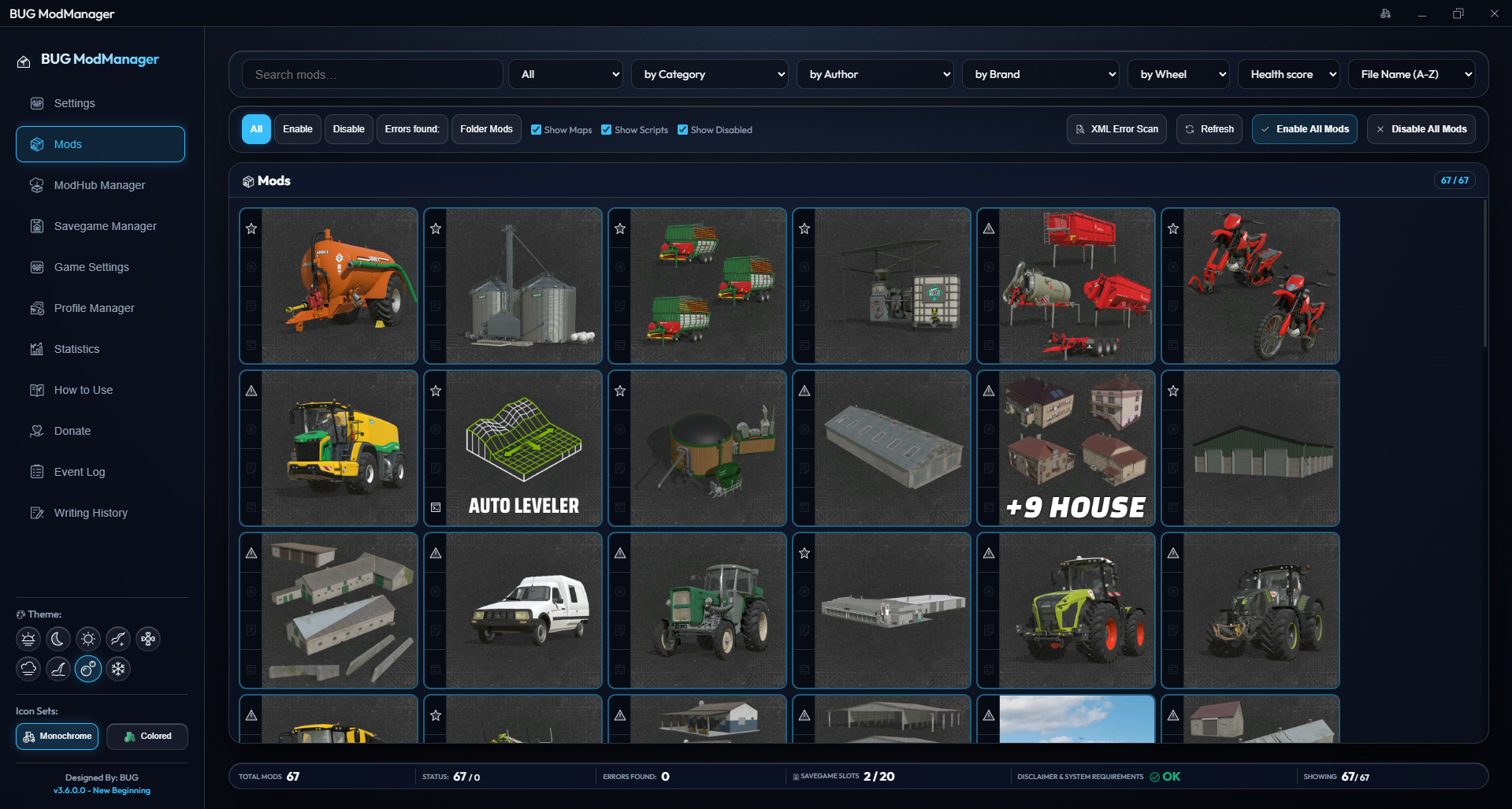
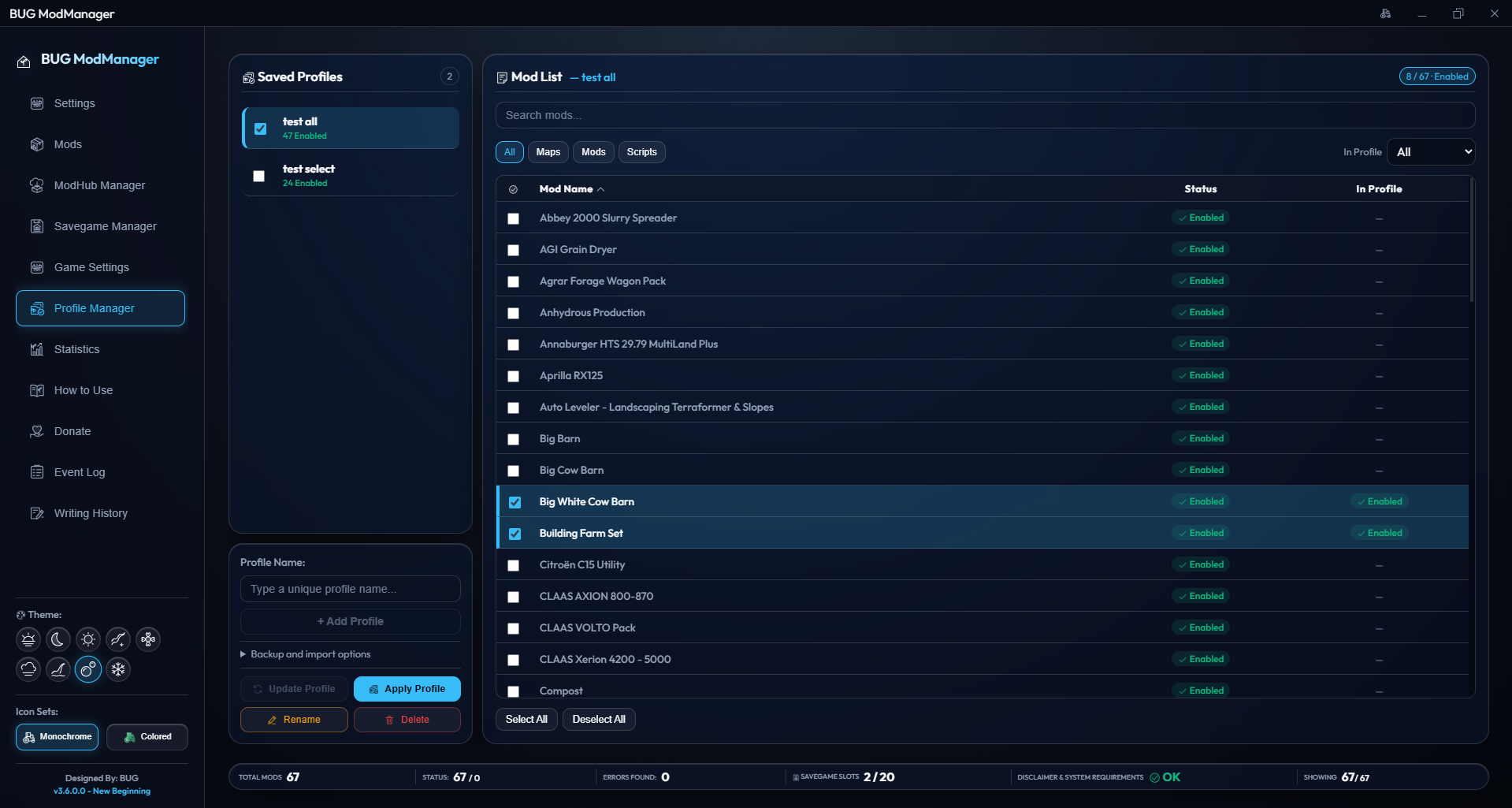
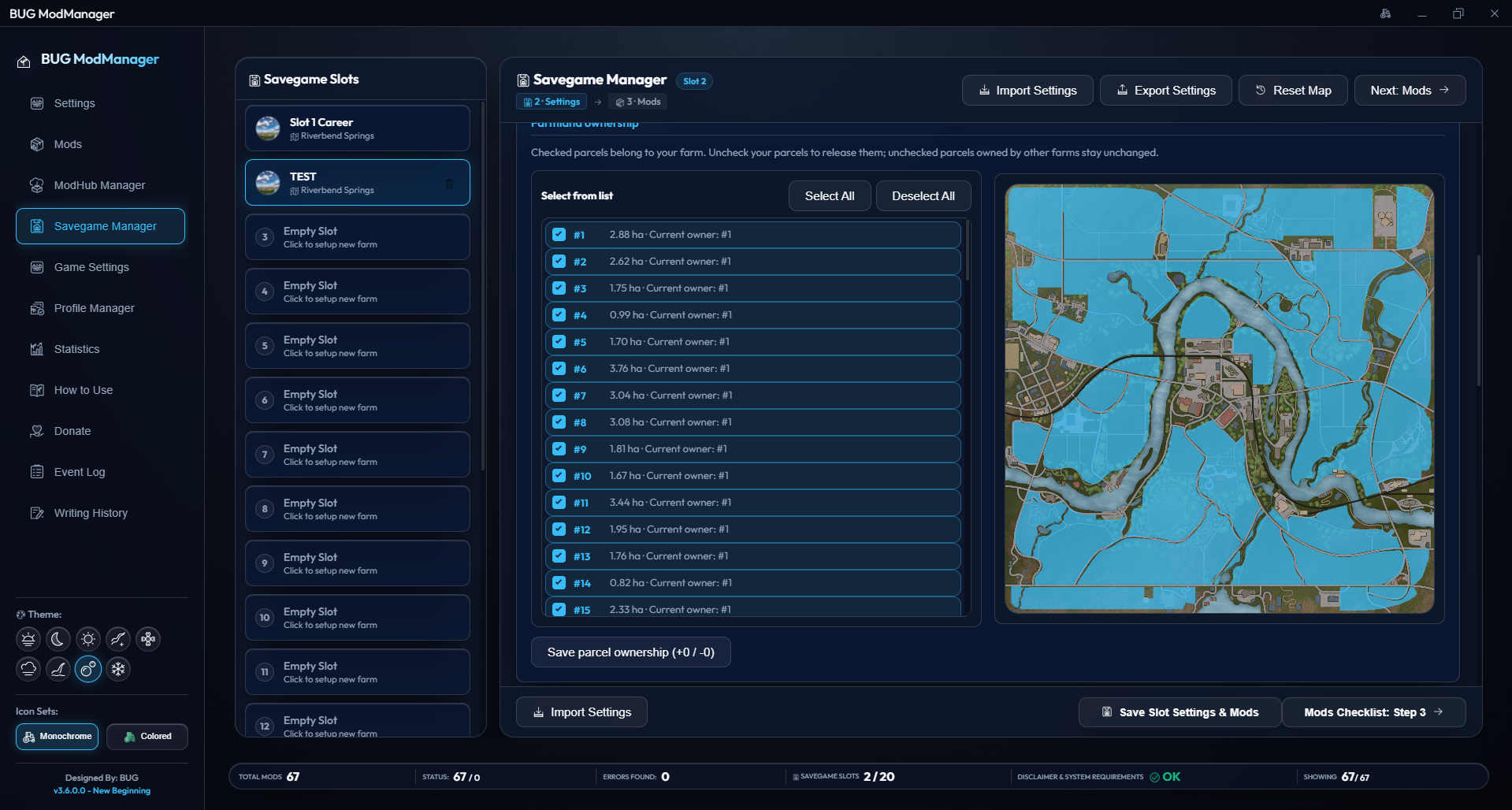
• Added two icon sets.
• Made minor changes to the interface.
• Adjusted the spacing in the left menu and the icon selection area.
• Added a placeholder image to the Mods, ModHub, Savegame, Statistics, and Edit screens, shown while images are loading or when they cannot be loaded.
[Statistics]
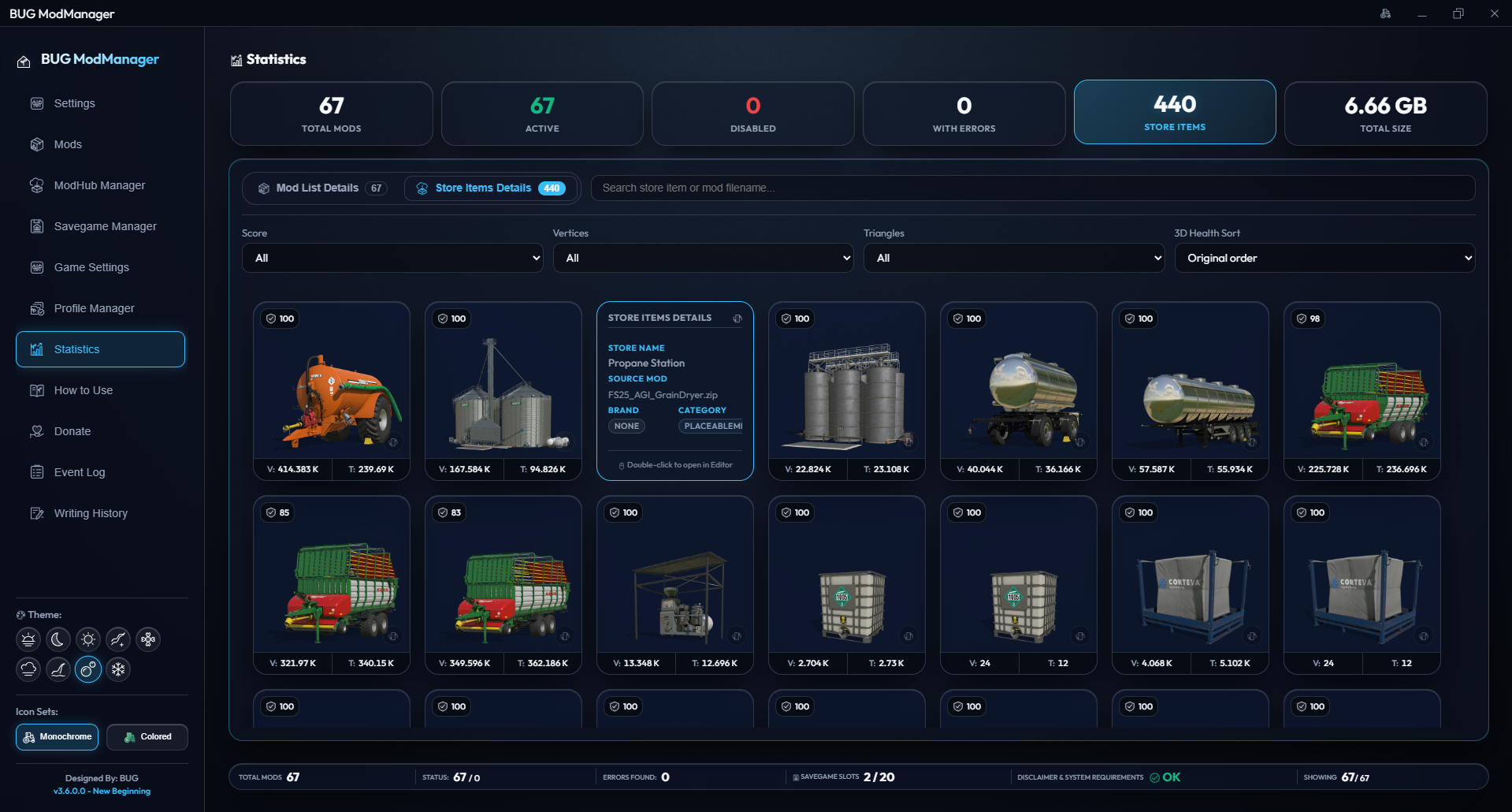
• Added the 3D Health Score feature. It uses minimum and maximum polygon and vertex ranges from the game's original vehicles, with a tolerance allowance. Each 3D model's polygon and vertex counts are calculated and used to assign a score. This can help you investigate potential performance issues in the game. The results do not guarantee that a problem exists; they are only a guide. NOTE: Maps and some assets are excluded from the calculations.
• Fixed an issue where store items appeared empty after switching tabs and returning.
• Fixed some visual issues.
[Mods]
• Fixed issues with batch processing during mod deletion and unintended XML Error Scan / Folder Watcher triggers during deletion.
• Made a minor visual update to icons and badges.
[Edit]
• Fixed duplicate sound layers being listed in the Sounds tab.
• Matched the color picker in Other Settings to the design used in the Color Configurator.
• Fixed an issue where items using the same empty store image caused the left-hand list to reload continuously and the application to freeze.
• Prevented delayed images from the previous mod from appearing in the new list when switching mods.
[ModHub Manager]
• Fixed a loading loop on the Installed Mods page.
• Ensured that installed and non-installed mods are listed correctly after updates.
• Download button labels now show each stage: Download > Downloading > Downloaded. The Downloaded and Installed labels now appear after a successful download rather than at the start.
• Bulk downloads and updates now cover all filtered installed mods, rather than only those visible on the page.
• Added bulk selection buttons to mod dependency screens.
• Fixed visual issues in the status bar when downloading mod dependencies.
• Ensured that updates correctly target mods that have been renamed or downloaded using Keep Both.
• The local version information now refreshes correctly after a mod is updated.
• Fixed missing dependency, logo, and screenshot information in the cache.
• Prevented old responses from affecting the current content after closing the details window or switching to another mod.
• Fixed page loading behavior by removing duplicate catalog entries.
• Reduced repeated image requests and limited the growth of the image cache.
• Improved the reliability of downloads, overwrites, cancellations, and retries.
• Prevented an inaccessible mods folder from clearing the installed mod list and prevented conflicts between simultaneous scans.
• Strengthened checks that prevent downloaded mods from being installed with invalid files.
[Settings]
• Added the 3D Health Score setting. It is off by default and may slightly reduce performance when enabled.
Files
Get BUG Mod Manager
BUG Mod Manager
Edit FS25 mods without unzipping — XML editor, ModHub browser, savegame wizard & engine tuning in one app
| Status | Released |
| Category | Tool |
| Author | BUG.GUB |
| Tags | bugmodmanager, bug-mod-mananer, Farming Simulator, Farming Simulator 25, mod-manager, modmanager |
More posts
- Version 3.5.5.0 — Release Notes12 days ago
- Version 3.5.0.0 — Release Notes17 days ago
- Version 3.4.5.0 (New Beginning) — Release Notes18 days ago
- 3.4.0.0 New Beginning19 days ago
Leave a comment
Log in with itch.io to leave a comment.